Videos
edytlab at work
Videos of the desktop app: what's new in v0.7.0, the launch video, three full DJ demos recorded start to finish, and short vertical reels. Each video has a page of its own. Nothing plays until you press play.
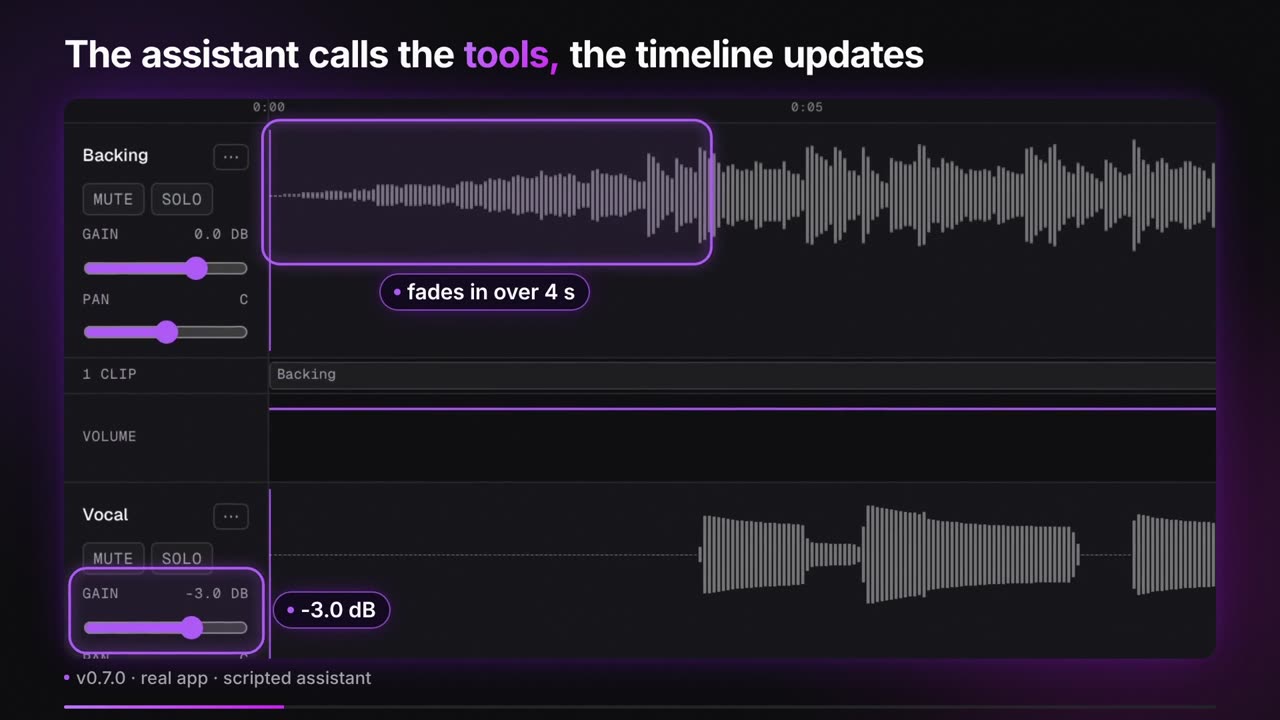
What's new in v0.7.0
Under a minute, with captions you can switch on. Every app shot is the real v0.7.0 frontend with a scripted assistant, and the video says so on each one.
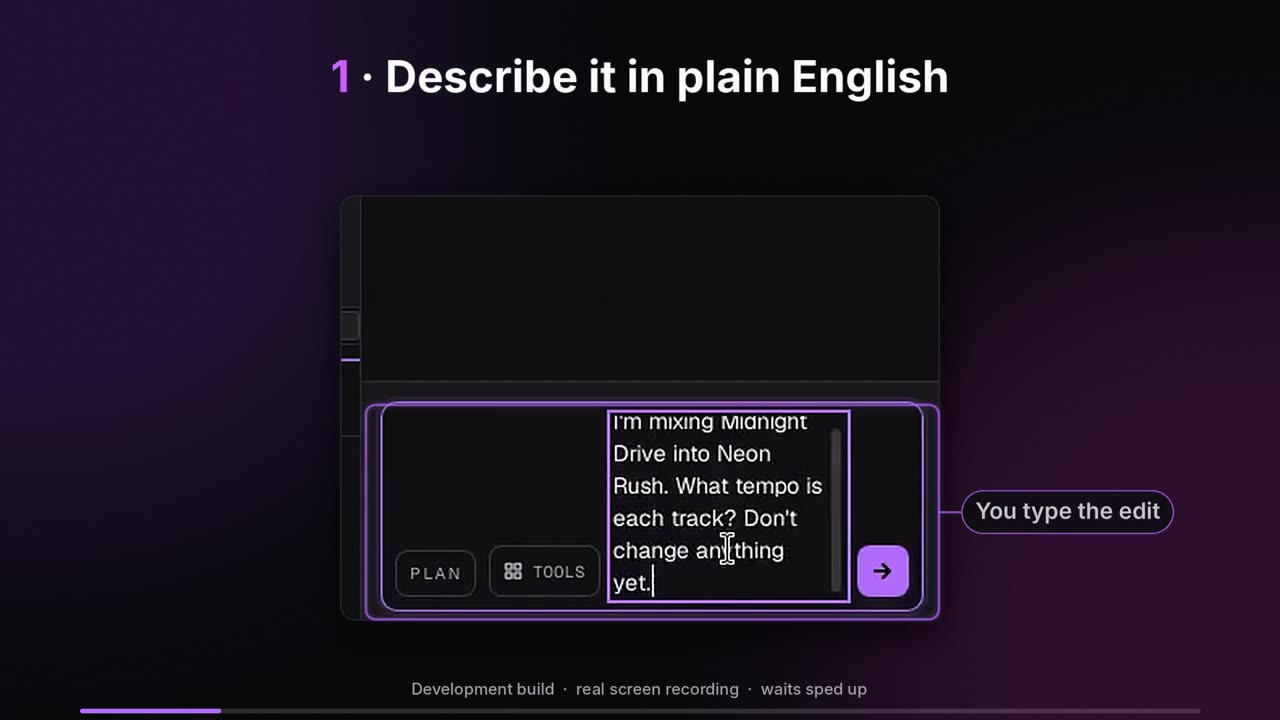
The launch video
About a minute, with captions you can switch on. The app footage in it comes from the recordings below, not from a mock-up.
Three full demos
Each is one job, from the request to an exported file, played in real time with sound. Waits for the agent are sped up. The tracks are short synthetic loops. Each has a page of its own, and all three also play on the AI audio editor for DJs page, which also says what edytlab can and cannot do for a DJ, and in the demos section of the home page.
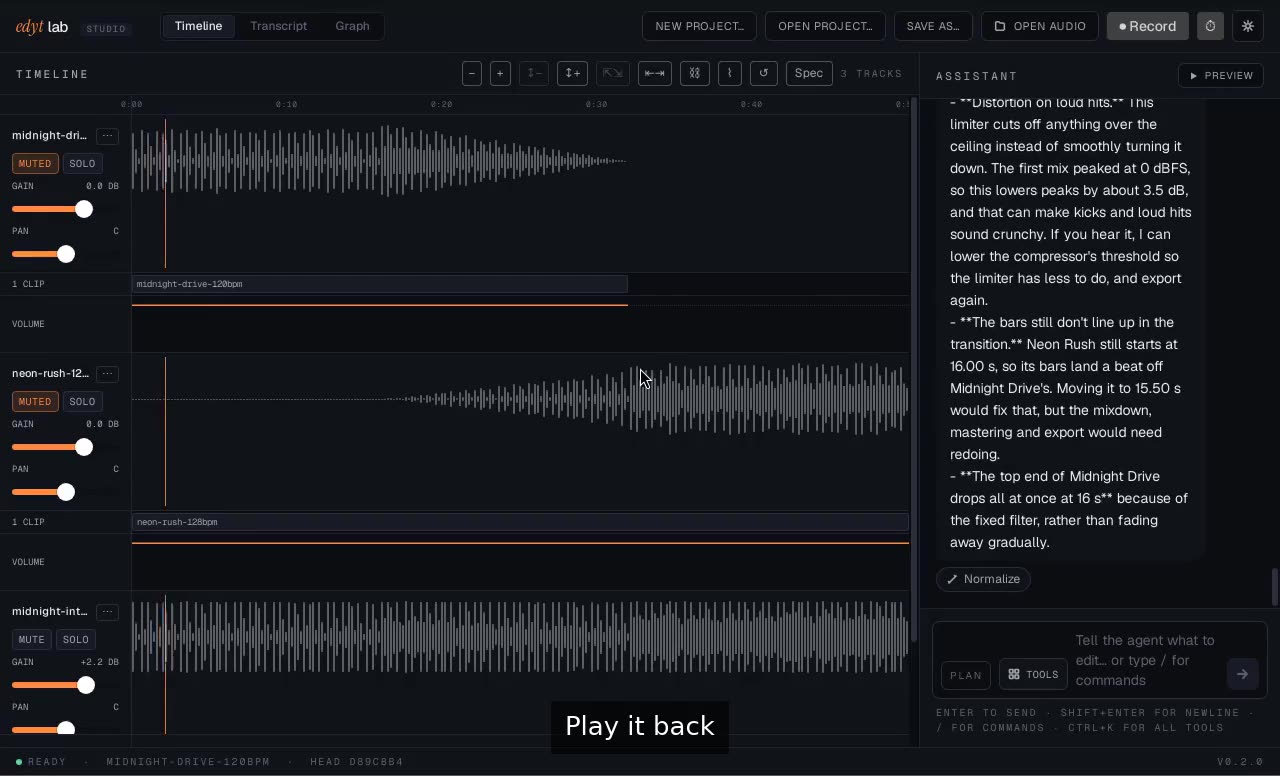
Beatmatch and blend two tracks
A screen recording of the edytlab desktop app: a DJ has Claude match one track's tempo to another's, blend the two with a crossfade and a low-pass, master the mix and export a WAV.
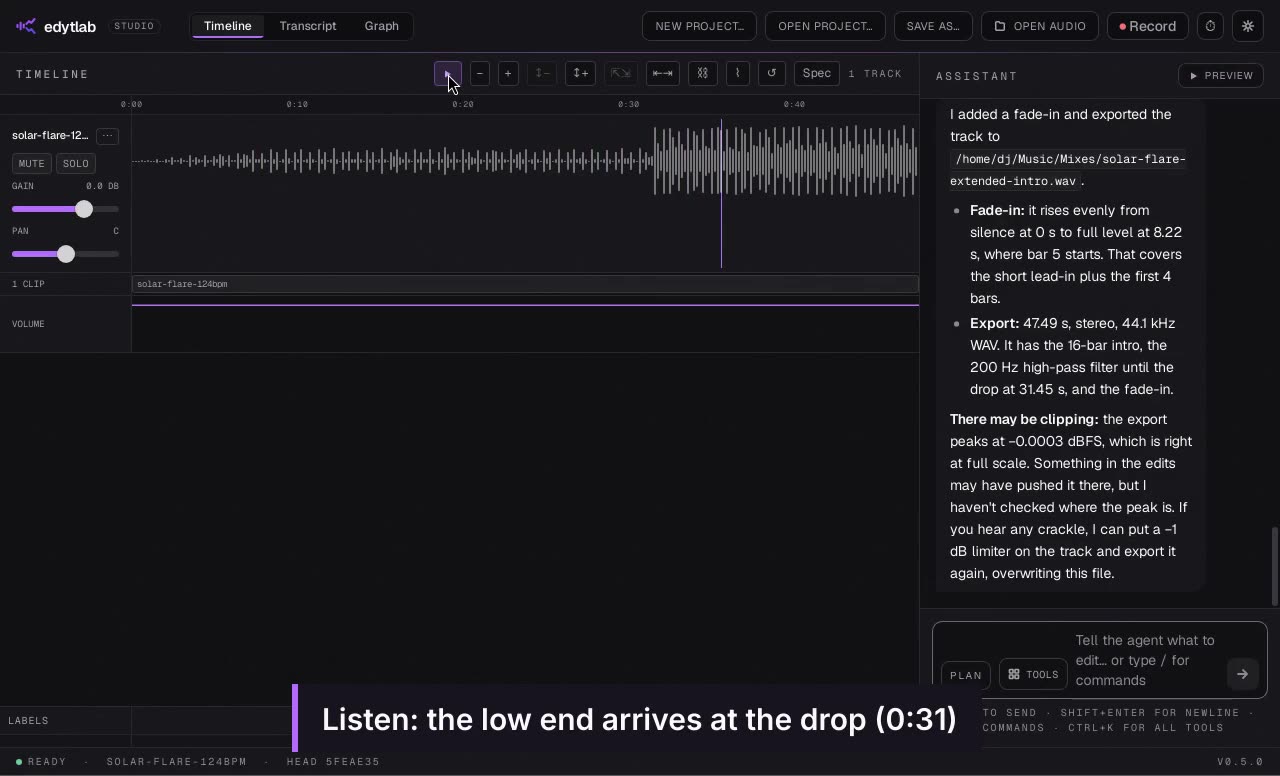
Extend an intro for mixing
A screen recording of the edytlab desktop app: a DJ asks Claude for a track's tempo and bar length, then has its first 8 bars copied to make a 16-bar intro, and exports a WAV.
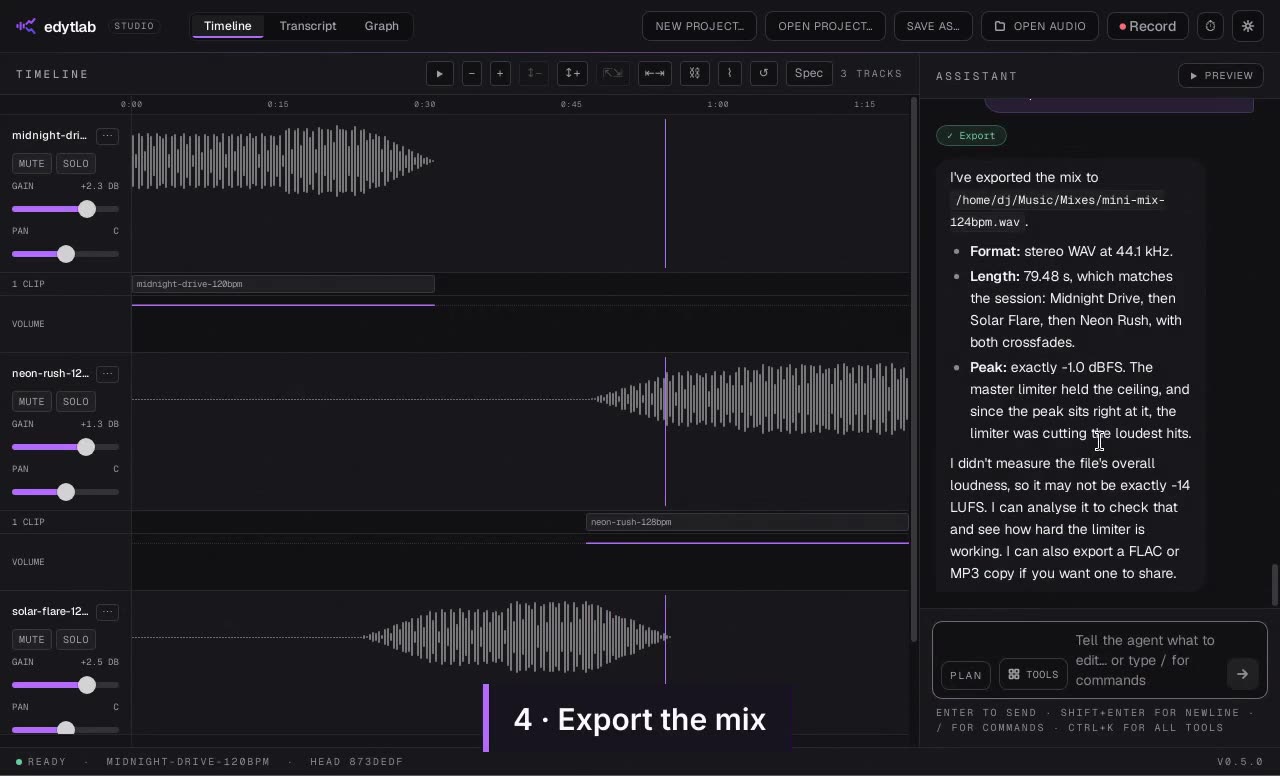
A three-track mini-mix
A screen recording of the edytlab desktop app: a DJ has Claude bring three tracks to 124 BPM, join them with overlapping crossfades, match their loudness and export the mix as a WAV.
Short reels
Vertical videos, in the shape a phone plays them, with no voice-over: three about v0.7.0 (real app, scripted assistant), and five cut from the demos with the app's own sound.
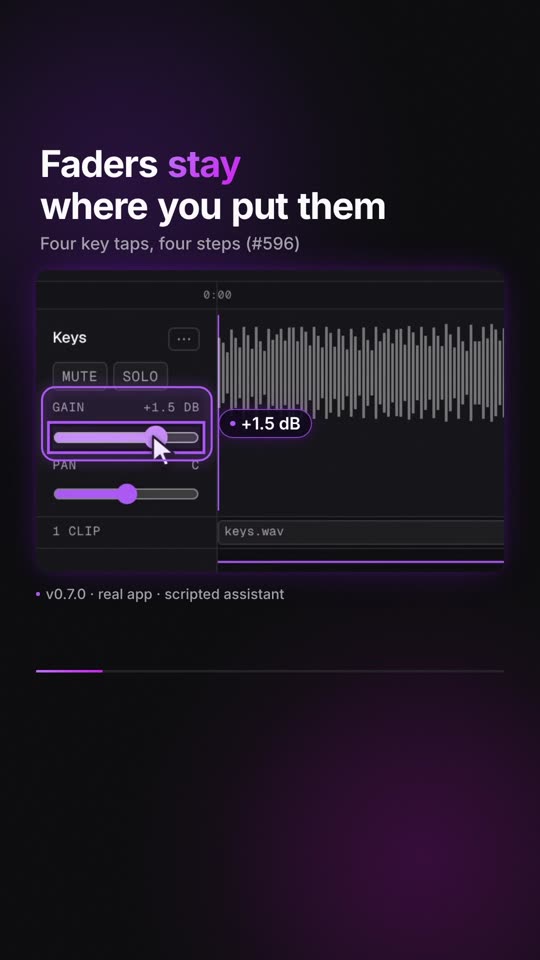
What's new in v0.7.0 (short reel)
A 31-second vertical video of five changes in edytlab v0.7.0, shown in the real app with a scripted assistant.
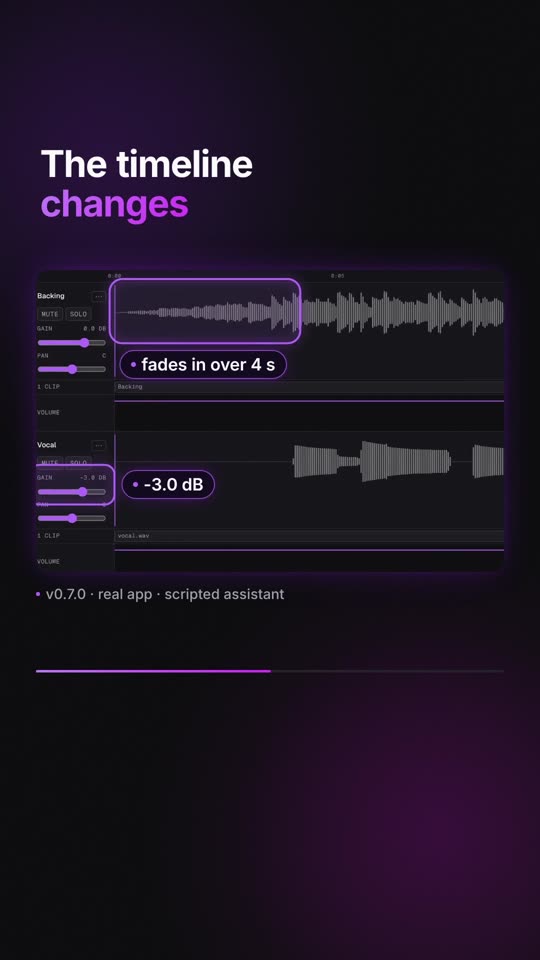
Describe the edit, and it happens (short reel)
A 21-second vertical video: an edit typed in plain English, the fade and gain calls, and the result played, in the real edytlab app with a scripted assistant.
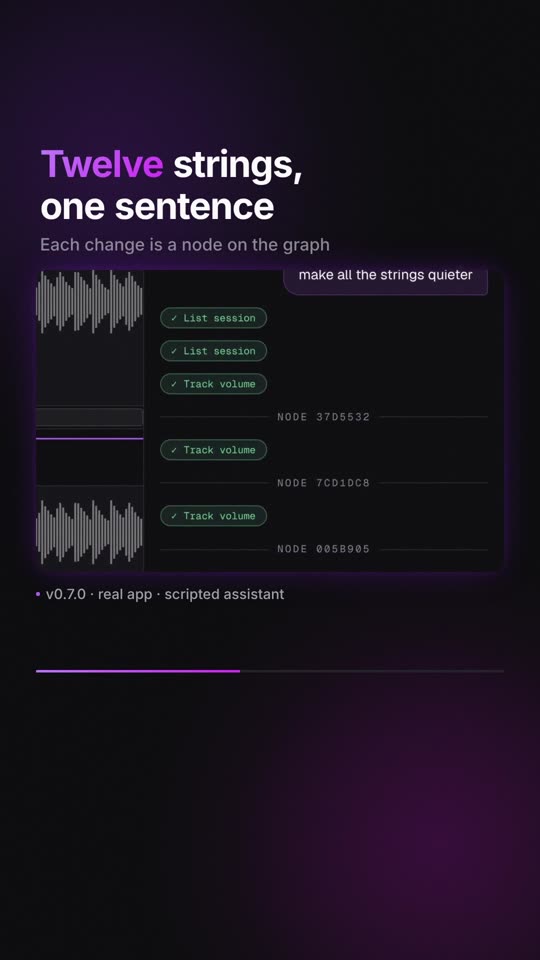
200 tracks? Just ask (short reel)
A 21-second vertical video: one sentence quiets twelve of 200 tracks, in the real edytlab app with a scripted assistant.
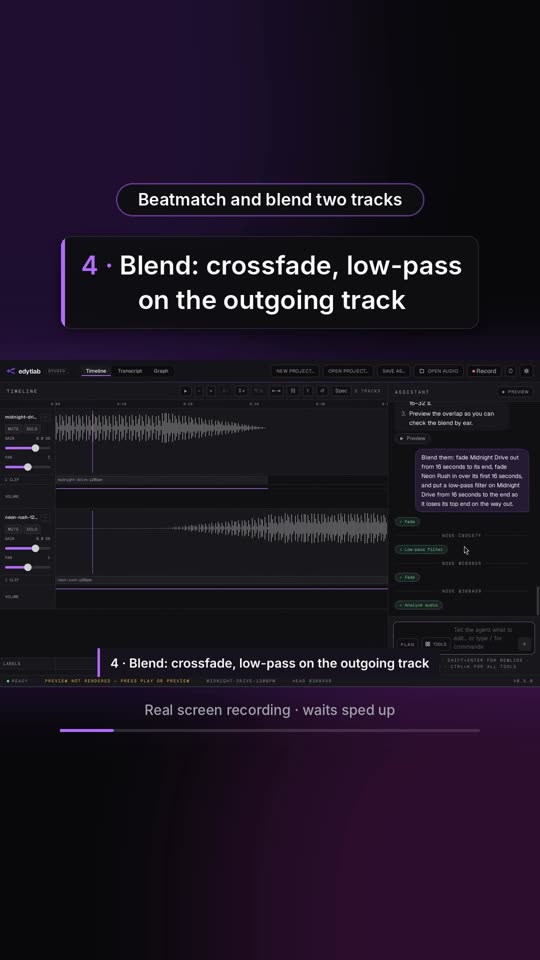
Highlights: three DJ jobs in a minute
A one-minute vertical video of the edytlab desktop app with a moment from three DJ jobs: a beatmatched blend, an extended intro and a three-track mini-mix.
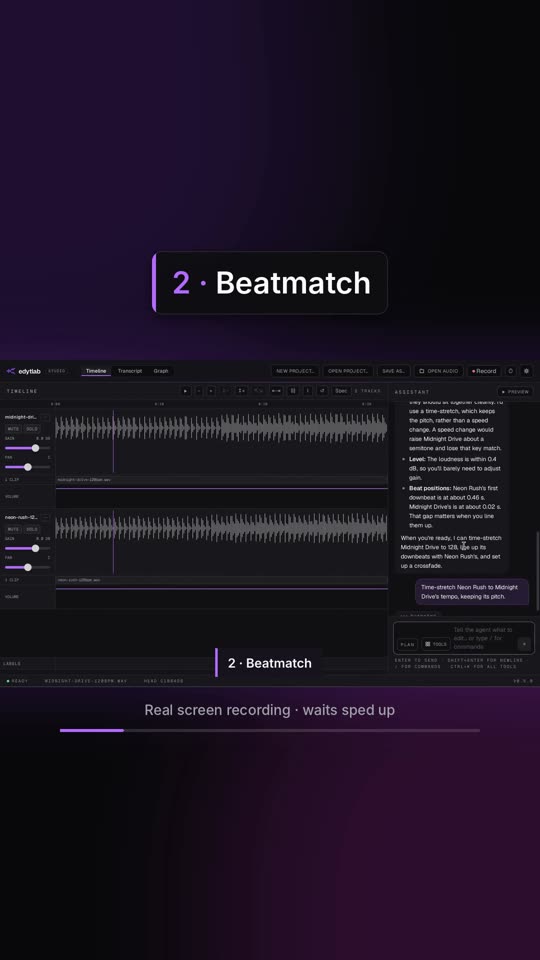
Teaser: ask for a blend, hear the result
A fifteen-second vertical video of the edytlab desktop app: a request for a blend, the beatmatch, the crossfade and a few seconds of the result.
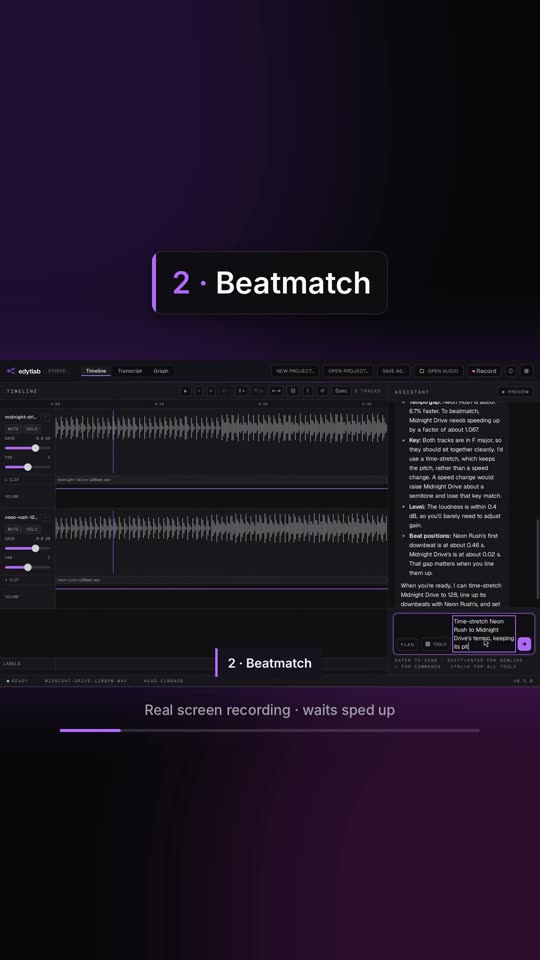
Beatmatch and blend two tracks (short reel)
A vertical video of the edytlab desktop app: two tracks are beatmatched, blended with a crossfade and a low-pass, mastered for streaming and exported as a WAV.
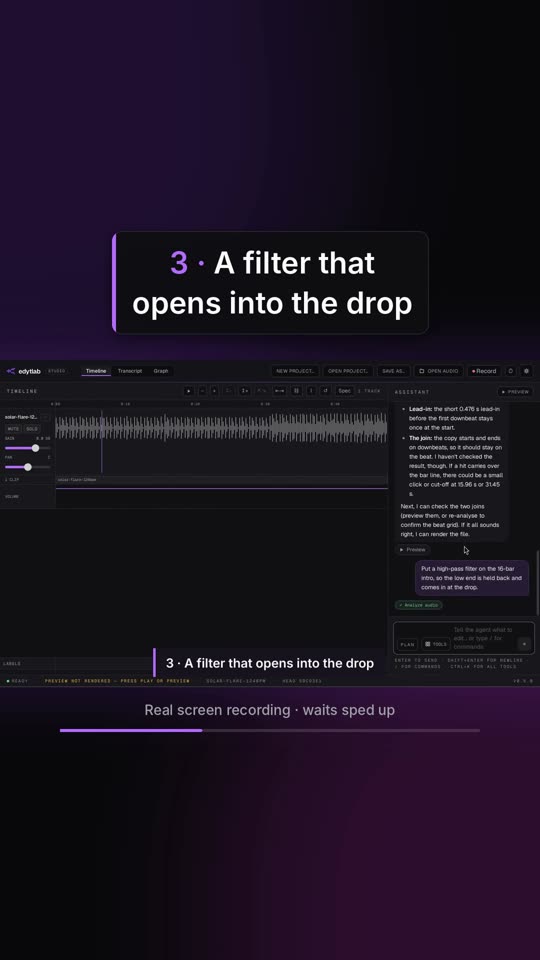
Extend an intro for mixing (short reel)
A vertical video of the edytlab desktop app: a track's first eight bars become a 16-bar intro, a high-pass opens into the drop, and it is exported.
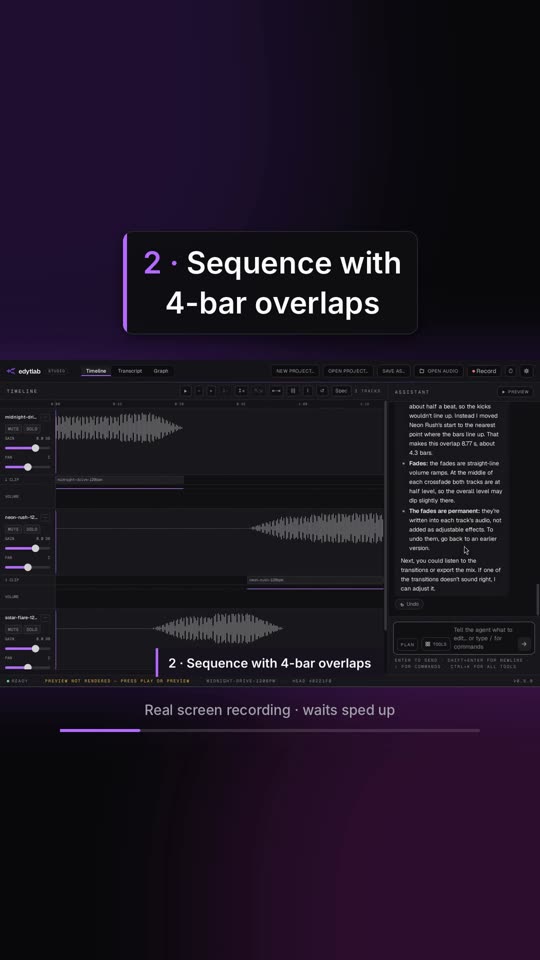
A three-track mini-mix (short reel)
A vertical video of the edytlab desktop app: three tracks are matched to 124 BPM, joined with overlapping crossfades, loudness-matched and exported as a mix.
edytlab is free and open source (MIT) for macOS, Windows and Linux. Stem separation and transcription are not built yet, and the current builds are unsigned, so macOS and Windows warn on first launch; the setup guide has the steps. Download it from the releases page.